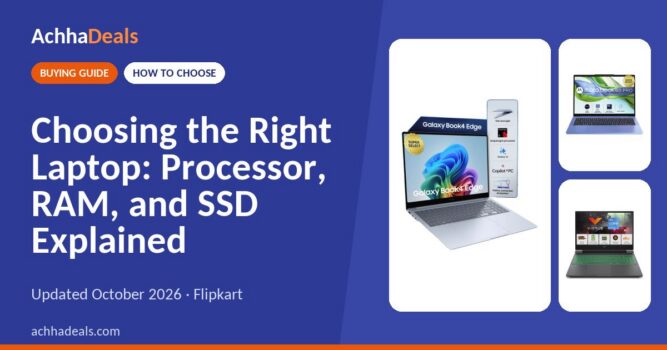
Choosing the Right Laptop: Processor, RAM, and SSD Explained (October 2026)
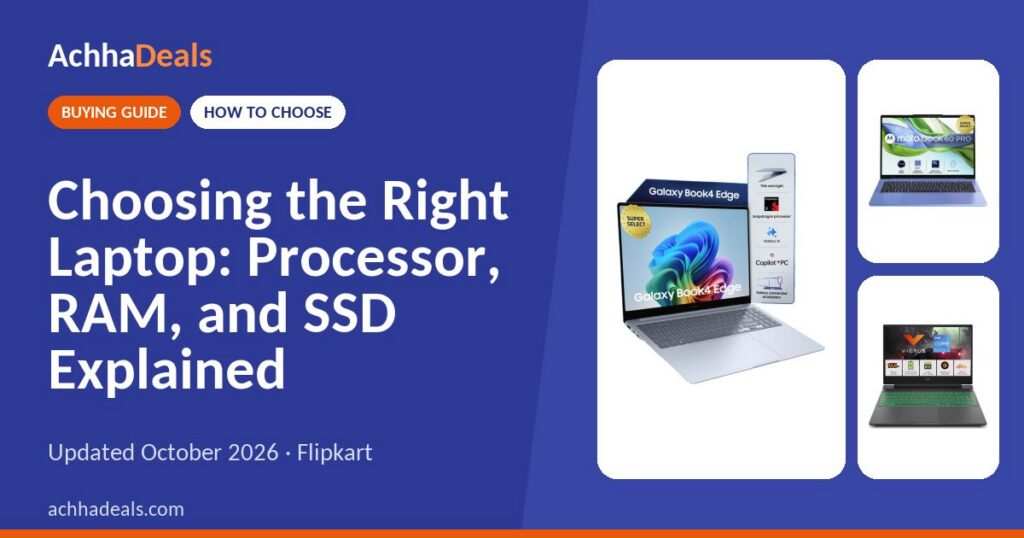
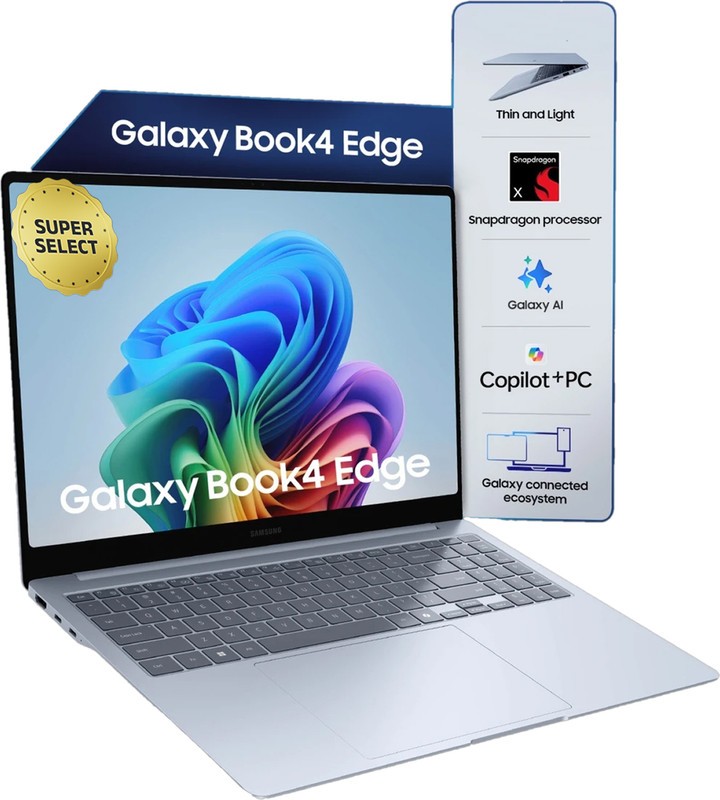
This AI-powered Samsung Galaxy Book4 Edge laptop offers Recall, Phone Link, and dedicated AI keys for Copilot and Cocreator. Enjoy real-time AI translation, enhanced video calls with Windows Studio Effects, and super-fast Wi-Fi 7. It includes versatile ports (USB 4.0, HDMI 2.1), up to 28 hours of...

Understanding your laptop's processor, RAM, and SSD is key to making a smart purchase. These components directly impact speed, multitasking ability, and how quickly your laptop responds. A good combination ensures smooth performance for your daily tasks, whether it's browsing, working, or gaming. This guide explains what each component does and what to look for.
We earn a commission if you buy through our links, at no extra cost to you. As an Amazon Associate we earn from qualifying purchases. Prices and availability can change; the price on the store at checkout applies. Where no price is shown, check it on the store.
Who needs one
Terms explained
- CPU
Central Processing Unit. The main processor.
- RAM
Random Access Memory. For temporary data storage.
- SSD
Solid State Drive. Fast storage for files.
- Cores
Processing units within a CPU.
What to look for
Affects overall speed and task handling.
For multitasking and running applications.
Determines boot speed and file access.
How much to spend
- Basic Use For browsing, emails, light work.
- Mid-Range For multitasking, productivity apps.
- High-End For gaming, video editing tasks.
Running costs
| Power | Electricity use |
| Service | Occasional checks |
| Upgrades | RAM/SSD (if possible) |
|
AI PC
Galaxy Book4
|
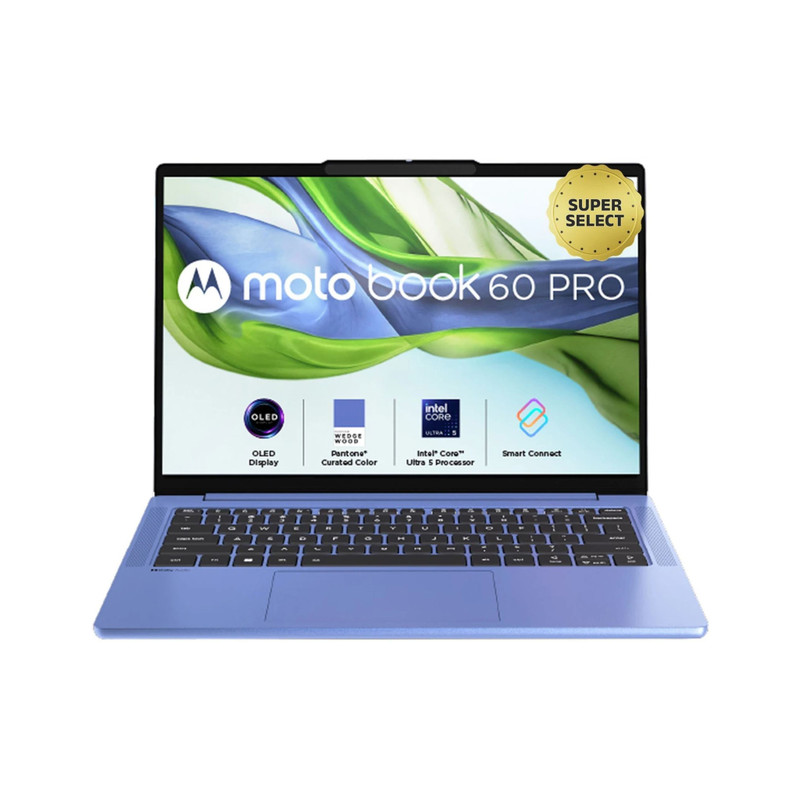
OLED
Motobook 60 Pro
|
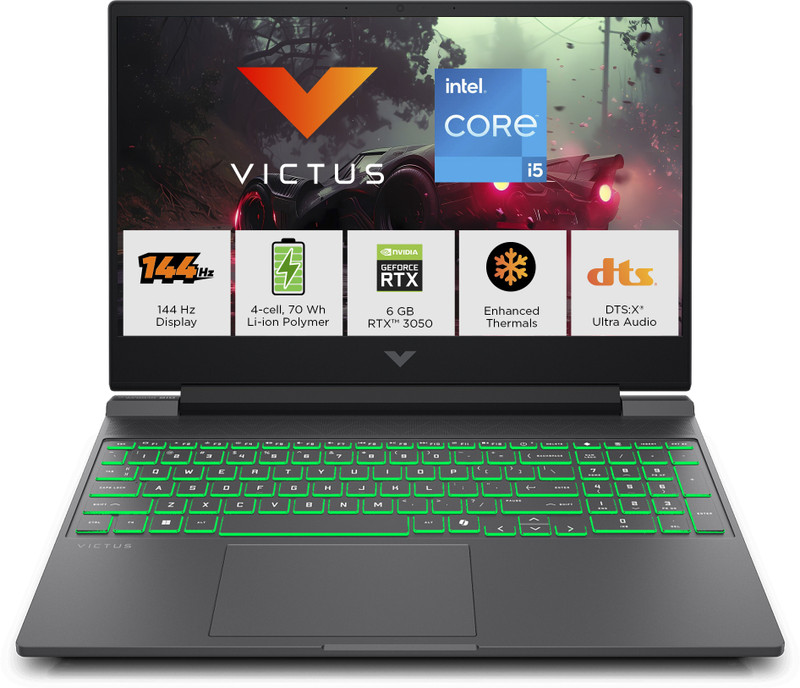
Gaming
HP Victus
|
Also consider
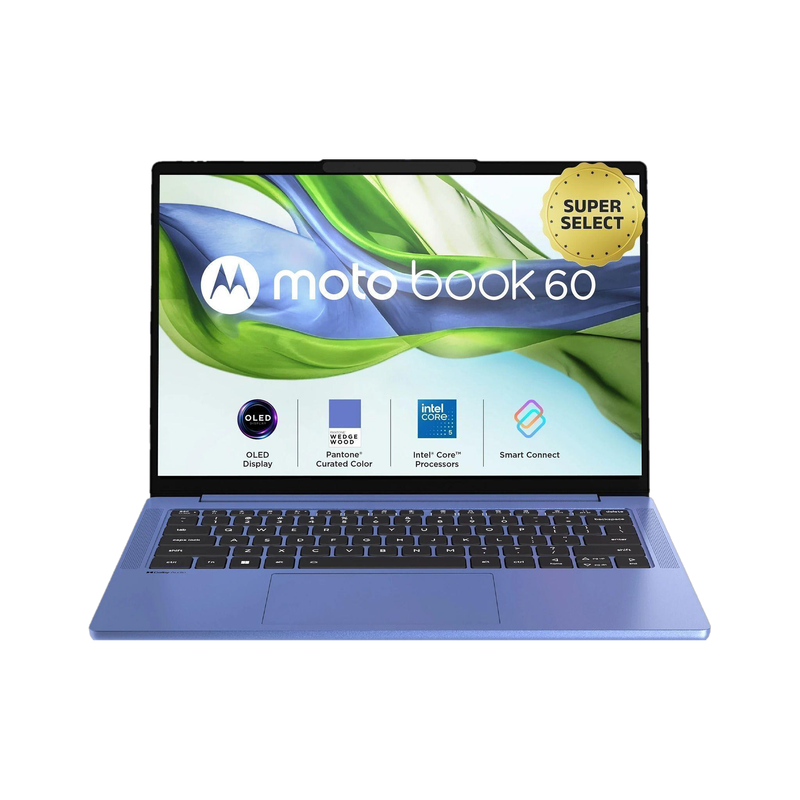
Motobook 60
|
|
|---|---|---|---|---|
 |
 |
 |
 |
|
| Price | ₹ 63,990 | ₹ 77,990 | ₹ 89,990 | ₹ 67,990 |
| Store | Flipkart | Flipkart | Flipkart | Flipkart |
| Processor | Snapdragon X | Intel Core Ultra 5 | Intel Core i5 | Intel Core 5 |
| RAM | 16 GB | 16 GB | 16 GB | 16 GB |
| SSD | 512 GB | 512 GB | 512 GB | 512 GB |
| RAM Type | LPDDR5X | DDR5 | DDR4 | DDR5 |
| Graphics | Qualcomm Adreno | Intel Integrated | NVIDIA RTX 3050 | Intel Integrated |
| OS | Windows 11 | Windows 11 | Windows 11 Home | Windows 11 |
| Check price | Check price | Check price | Check price |
Picks by budget and use
Mistakes to avoid
Software optimisation matters more than just core count for performance.
NVMe SSDs are generally faster than SATA SSDs for data transfer.
Faster RAM frequency can improve overall system responsiveness and performance.
Current prices


How we chose
-
Compared the options
Compared specs and prices of 10+ listings on Flipkart, Amazon and other stores.
-
Checked reviews and sources
Owner reviews and expert sources, linked in each section.
-
No hands-on testing
We did not test these products ourselves.
-
AI-assisted, human-checked
Drafted with AI from our research notes, then checked and edited by our team.
FAQ
What is a laptop processor?
The processor (CPU) is the brain of your laptop. It handles all calculations and instructions for tasks.
How much RAM do I need?
8 GB RAM is good for daily tasks. 16 GB RAM is better for multitasking and heavier applications.
What is SSD storage?
SSD (Solid State Drive) is fast storage. It improves boot times, application loading, and file transfers.
Is more RAM always better?
Not always. Having too much RAM for your specific needs may not significantly improve performance.
Get the best deals by email
Coupons, bank offers and one buying guide in each issue. Never more than one mail every two days.
Our verdict
Choosing the right laptop means balancing processor power, RAM capacity, and SSD speed for your specific needs. Consider your main tasks to pick components that offer the best performance and value. A well-matched setup ensures a smooth and efficient computing experience.

Lakshmi is the lead editor at AchhaDeals, covering smartphones, laptops, appliances, and festive deals across India. She researches live pricing, compares configurations across retailers, and reviews every guide before it is published.
Update history 10 Oct 2026: First published
Share on WhatsApp